Track how long you’ve worn your lenses
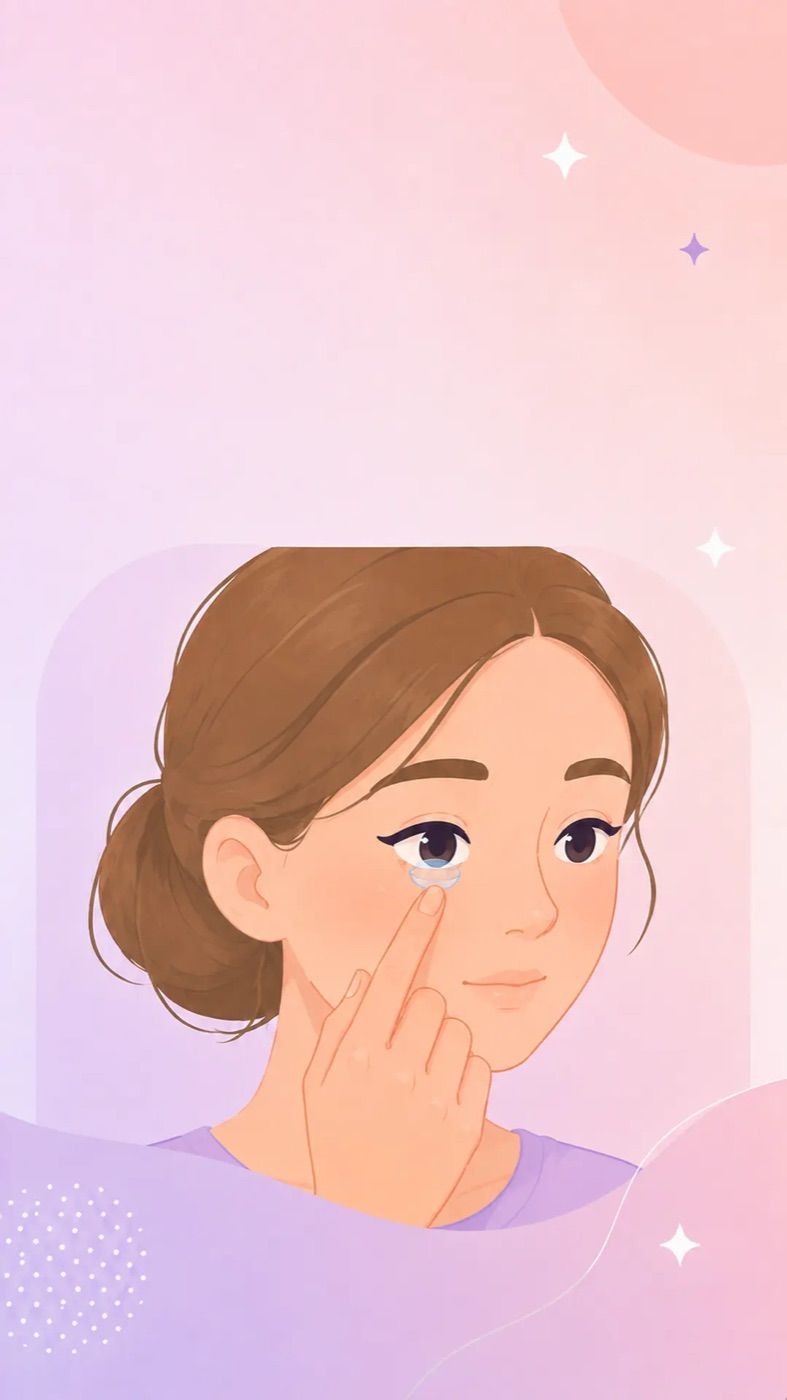
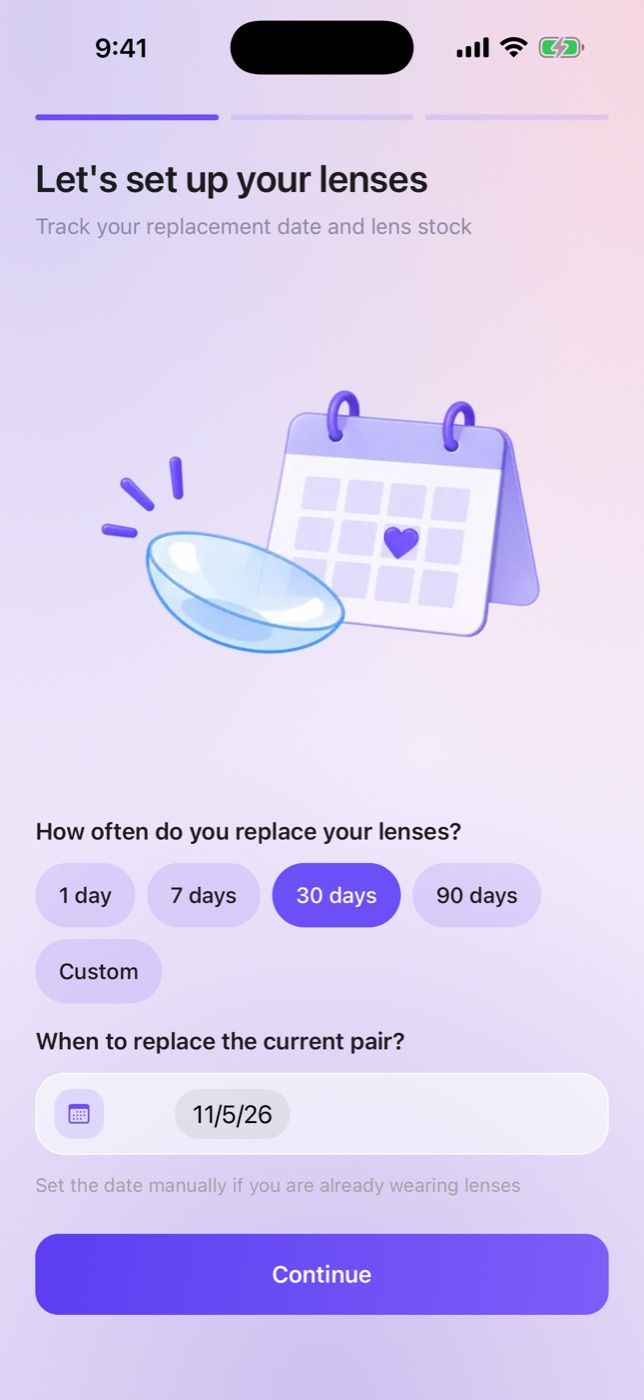
Set your replacement schedule and start date — LensPing counts the days and reminds you when it’s time for a fresh pair.
Track lens replacements, your lens supply, eye comfort and eye doctor visits — all in one iPhone app.Lens changes, supply and eye doctor visits — in one iPhone app.
 Free · No ads

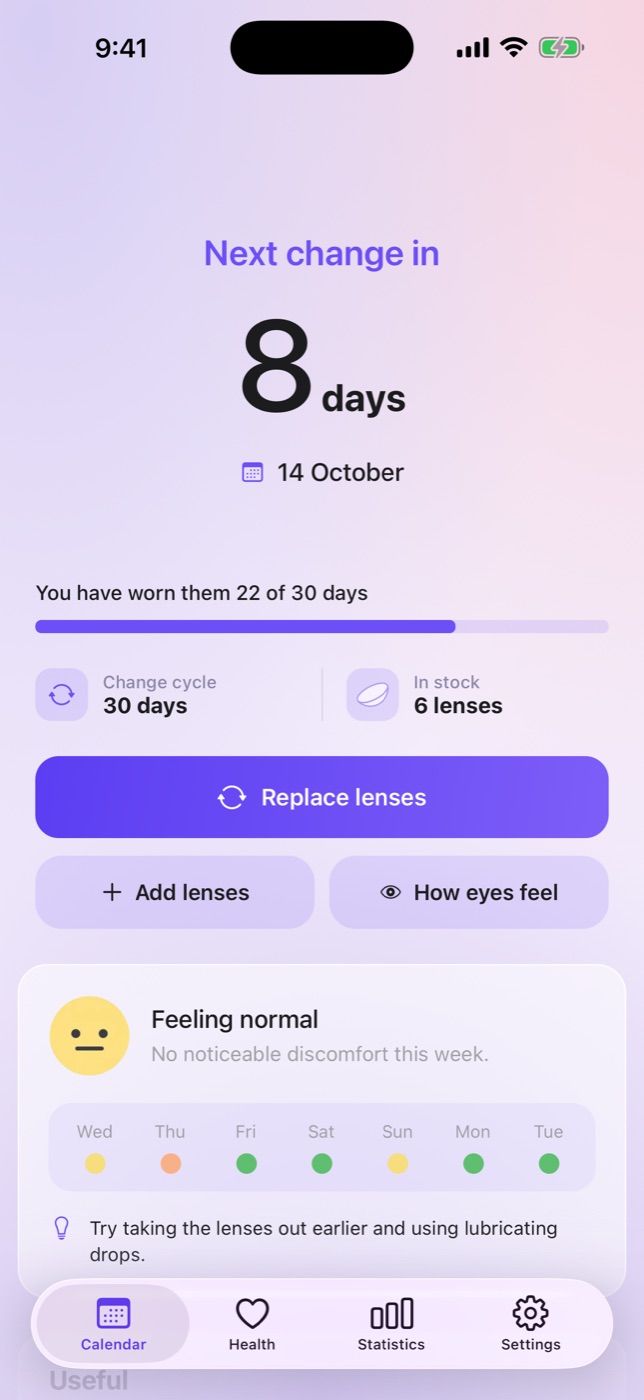
Set your replacement schedule and start date — LensPing counts the days and reminds you when it’s time for a fresh pair.
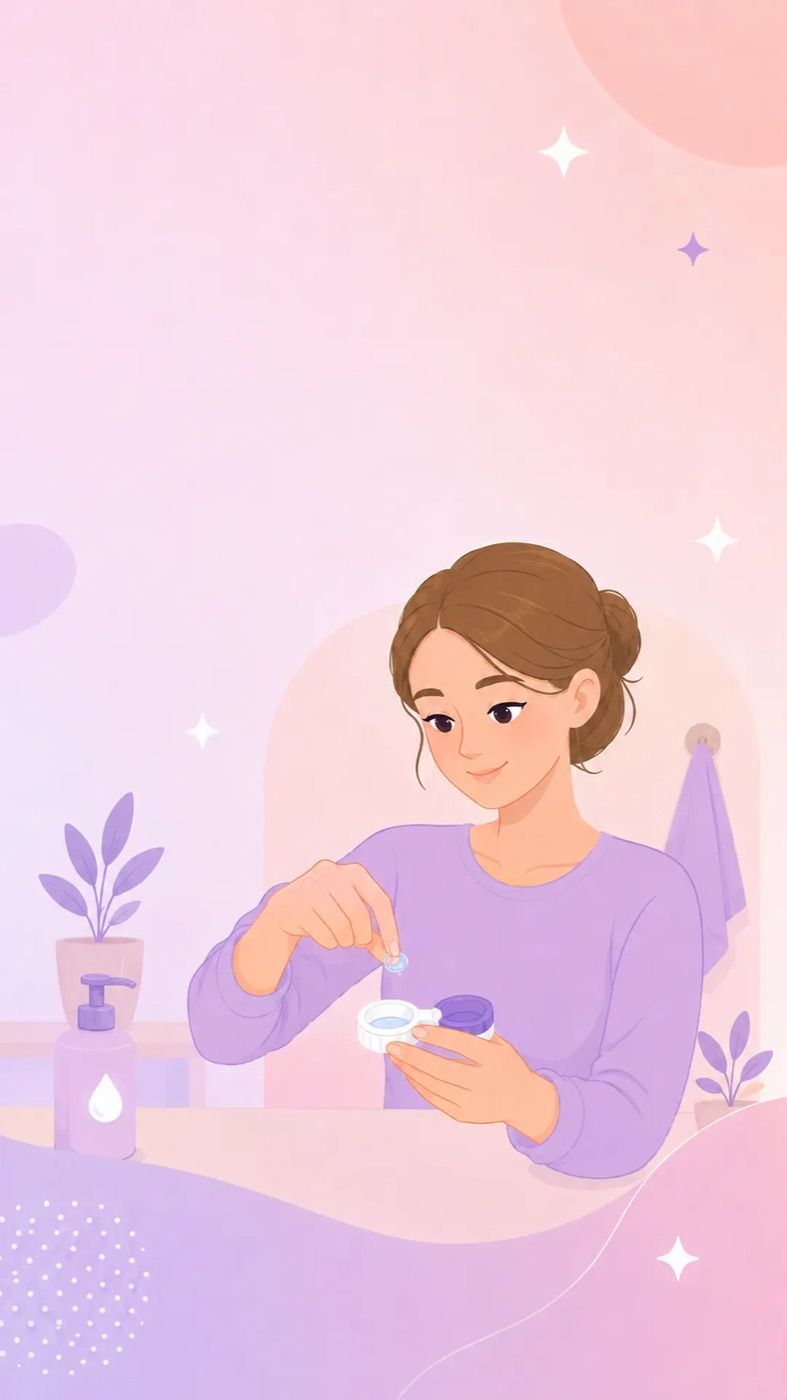
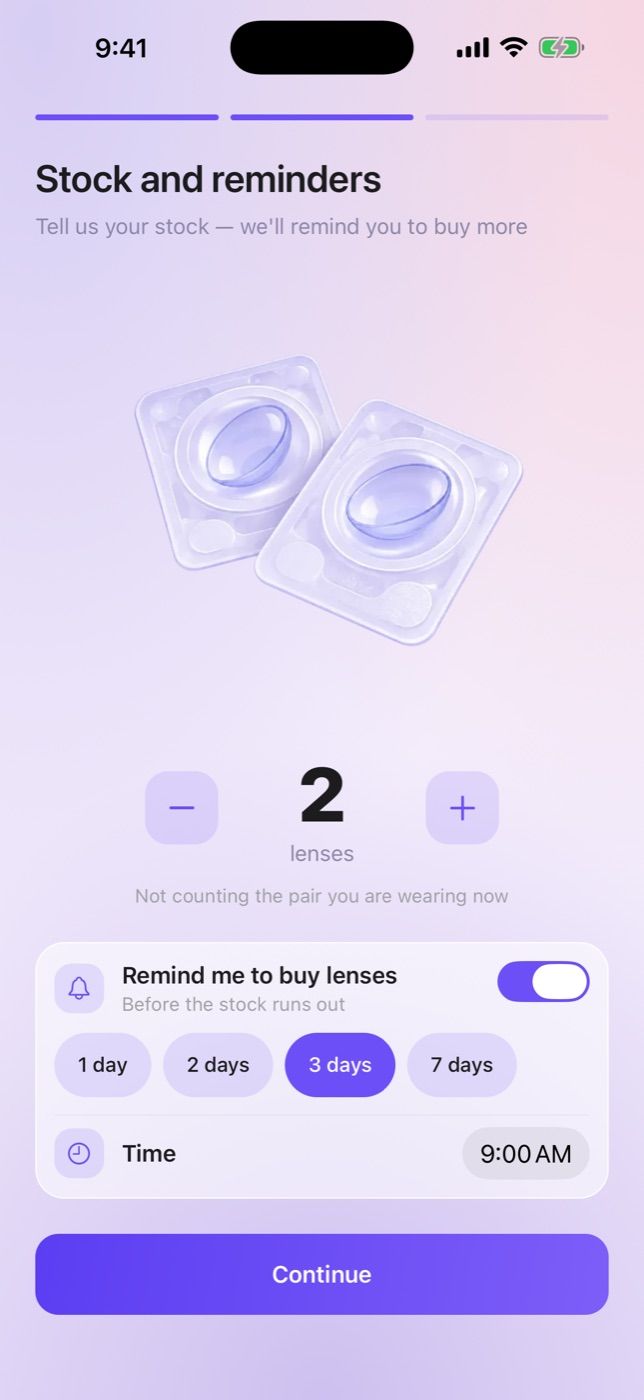
LensPing keeps count of the lenses you have left and lets you know in advance when it’s time to order a new box.
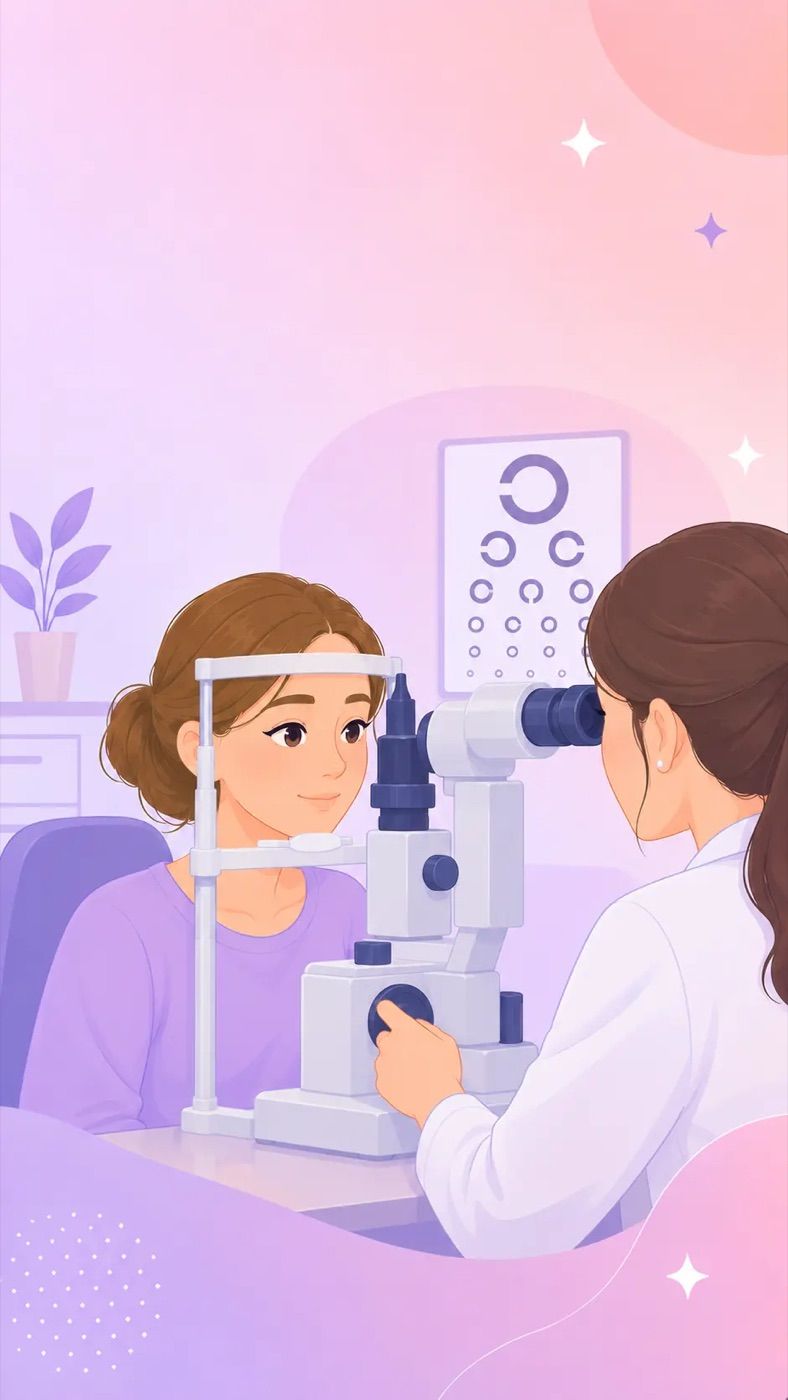
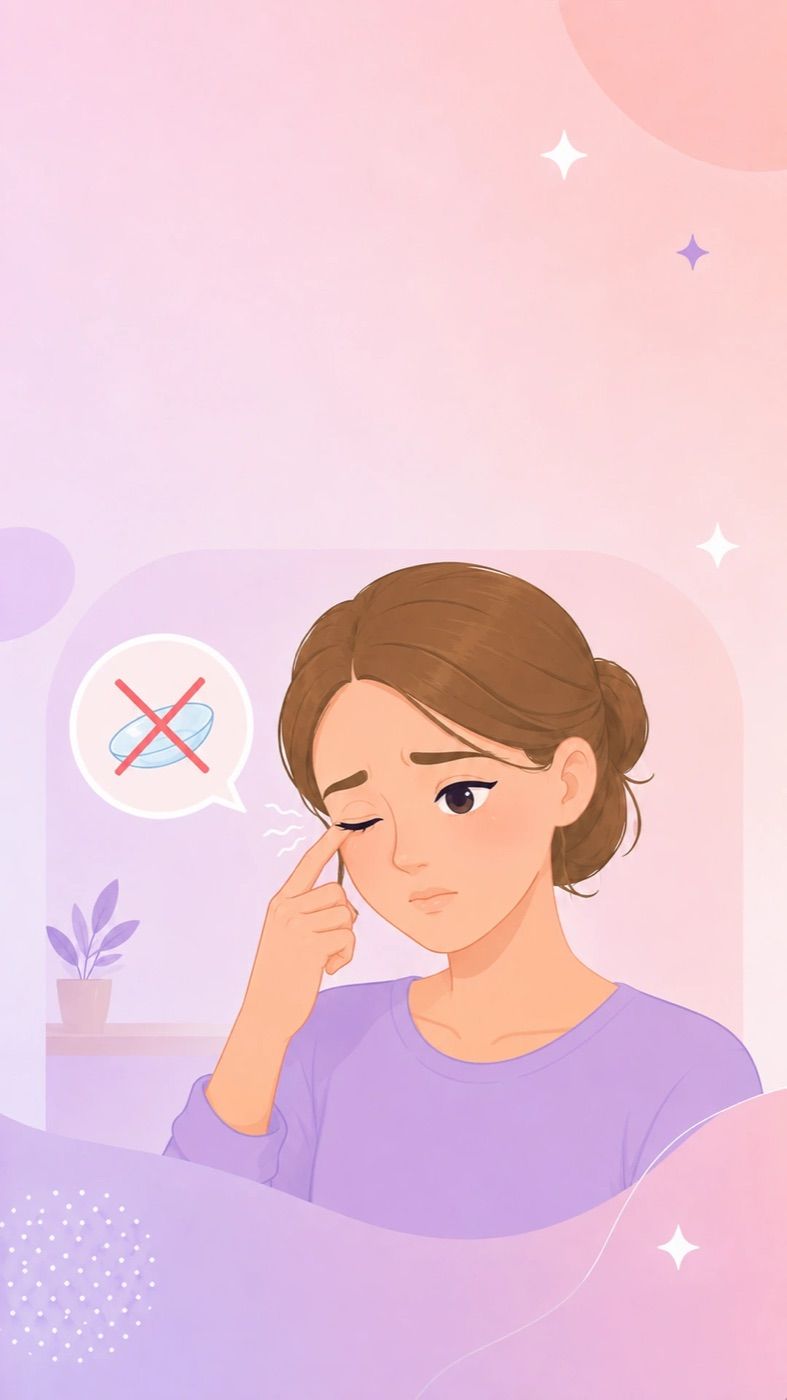
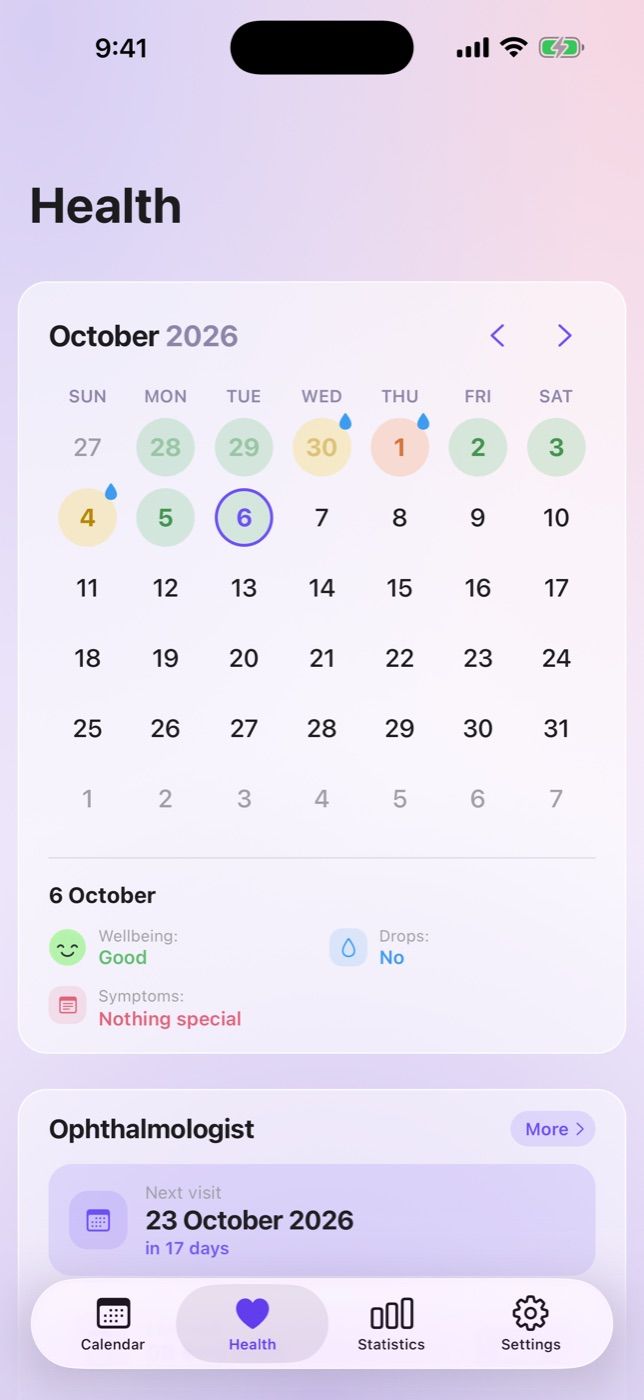
Log dryness, redness and eye drops. The calendar shows which days your eyes felt uncomfortable — notes worth bringing to your next eye exam.
 Change due December 3, 8:00 PMEnough for 3 changes
 Change due December 3, 8:00 PMEnough for 3 changes
Short illustrated guides — in the app and on the website. All articles →
It depends on the replacement schedule: daily lenses are replaced every day, two-week lenses after 14 days, monthly lenses after 30 days and quarterly lenses after 90 days. The countdown starts when you open the blister pack, not by the number of days you actually wore them. Check the manufacturer’s instructions for your exact schedule. LensPing counts the days for you and reminds you when it’s time for a new pair.
Two-week (biweekly) contacts are worn for 14 days from the moment you open the pack, even if you didn’t wear them every day. Take them out at night and store them in a case with fresh solution. Wearing them past their schedule lets deposits build up on the lenses and raises the risk of irritation.
No. Daily lenses are designed for a single use: they aren’t meant to be disinfected or stored in solution, so wearing them again increases the risk of infection. Throw them away at night and put in a fresh pair in the morning. LensPing tracks how many lenses you have left and reminds you to reorder in advance.
Most people are advised to wear contacts for no more than 8–12 hours a day, and less during the first few days, gradually increasing the time. Your eye doctor can tell you the right limit for your lenses. Wearing contacts around the clock, including overnight, is only okay if your lenses are approved for extended wear.
Usually not, even for a short nap: your eyes get less oxygen while you sleep, which raises the risk of inflammation. The exception is extended-wear lenses, and only if your eye doctor approves. If you fall asleep in your contacts by accident, take them out when you wake up and give your eyes a rest.
Overworn lenses let less oxygen through and collect deposits. This can cause dryness, redness, irritation and, in serious cases, inflammation of the cornea. If your eyes feel uncomfortable, take the lenses out and see an eye doctor. LensPing reminders help you never miss a replacement date.
Use fresh solution every time you store your lenses: never top off or reuse old solution. Replace the case itself at least every three months, and don’t rinse it with tap water.
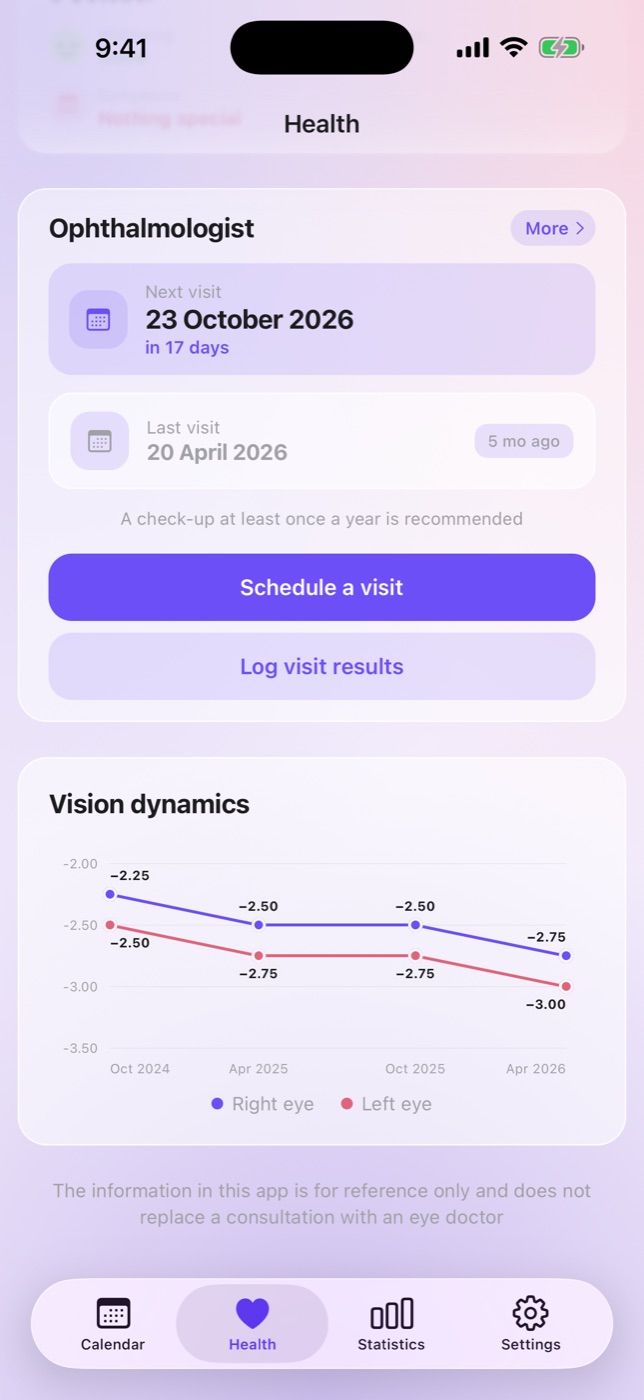
Contact lens wearers are usually advised to get an eye exam once a year, or more often if your eye doctor recommends it. In the US, contact lens prescriptions are typically valid for one year. With LensPing you can schedule your next visit with a reminder, save your prescription after each exam and see how your vision changes on a chart.
LensPing is free and has no ads. No account is required: use guest mode, or sign in with Apple to move your data to another iPhone.
On your phone. The app works offline and syncs your data in the background. You can delete your account and all your data in Settings.
Not yet — LensPing is currently available for iPhone only.
Setup takes a minute — after that, LensPing reminds you on its own.
Free · No ads · For iPhone